Upload your mockups, sketches, wireframes, artboards or finished designs as screenshots to create highly interactive prototypes.
Watch Video...
Watch this short video for a quick introduction to build your prototype in 2 minutes.
Step 1.
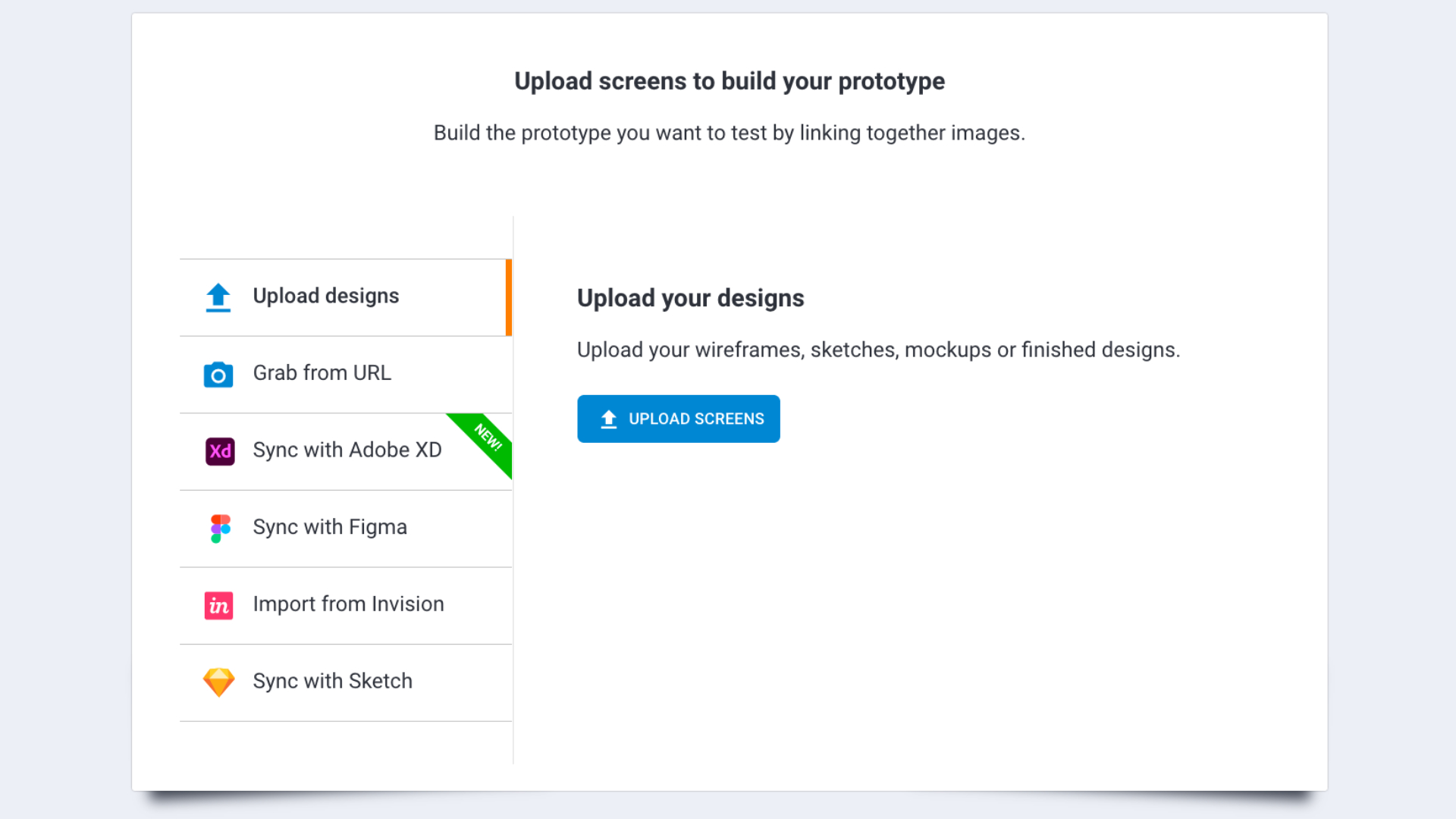
From the start screen, click “create test,” choose a native device to test on, and upload images, sync design with Figma, Adobe XD, Sketch design or Invision prototypes.
Step 2.
Click to create a hotspot. In order to make your prototype interactive, you can work with two types of hotspots: Link hotspots and input fields.
Drag, drop and resize these fields to match your design. The link fields are where you make it possible for the user to navigate between screens.
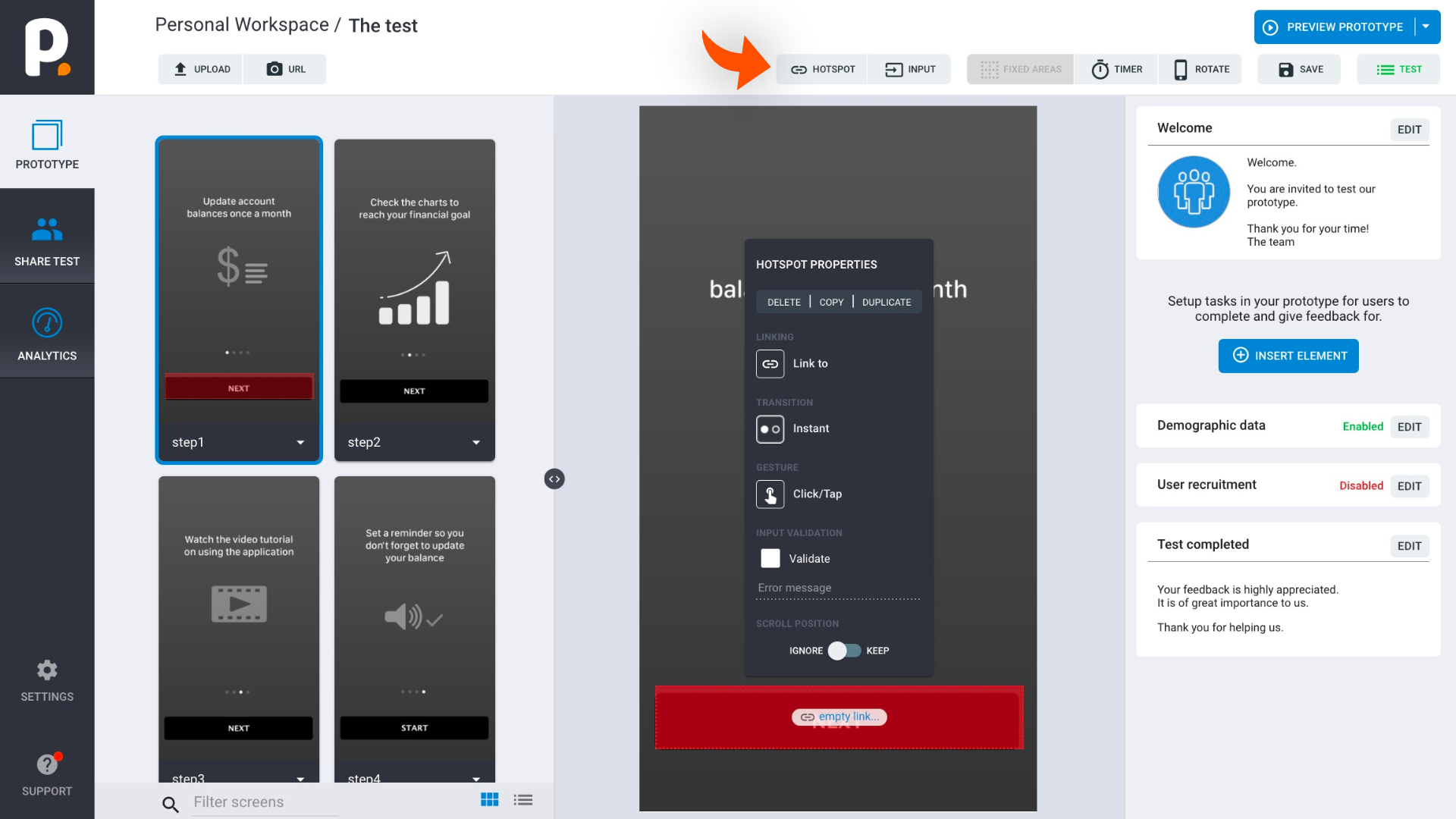
Prototypes from screenshots work by linking together screens with input fields and hotspots that can be clicked-, swiped-, hovered-, or zoomed on.