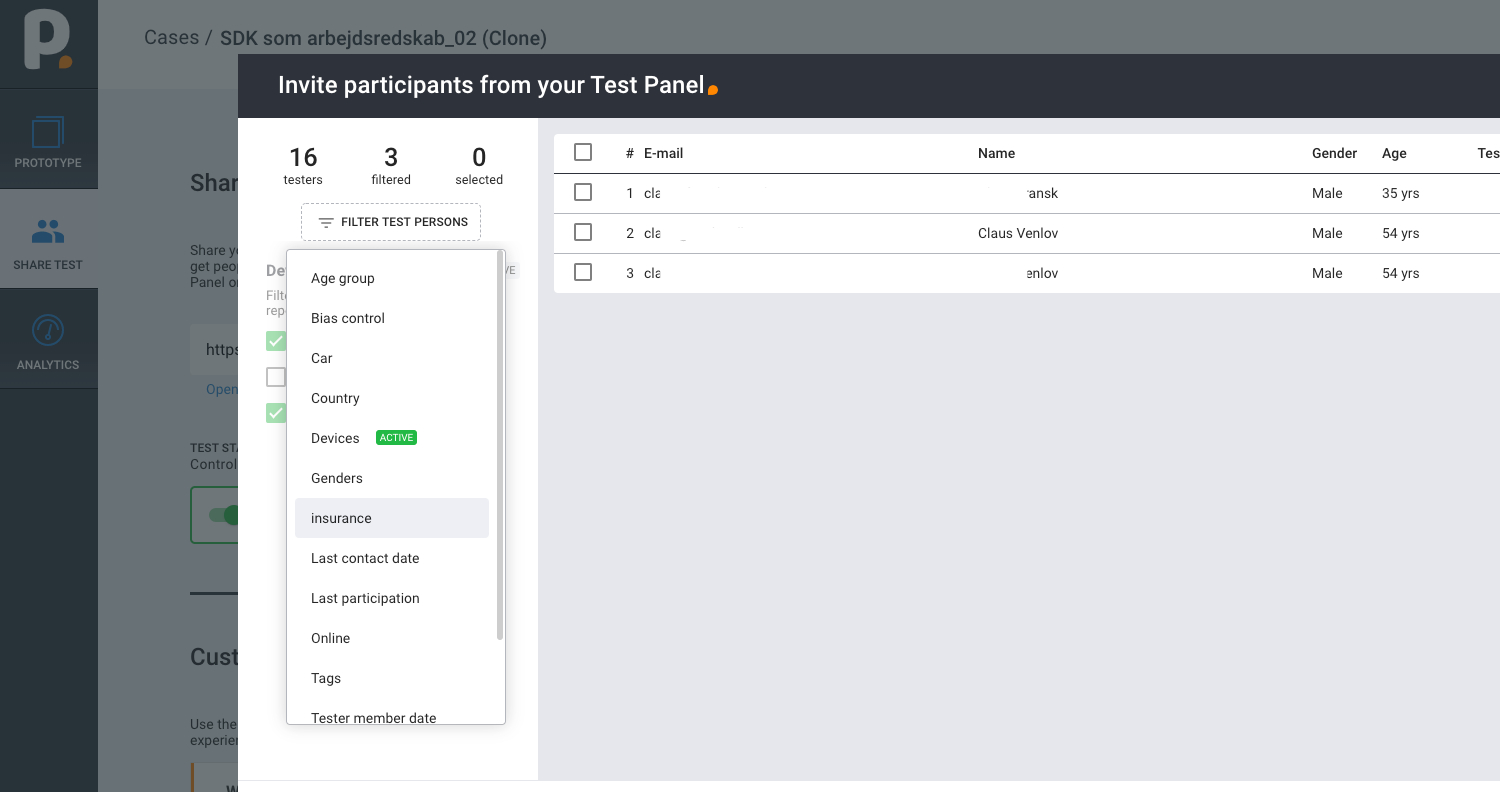
To build your recruitment page, log in to your account and click the “TEST PANEL” button on the left side panel.
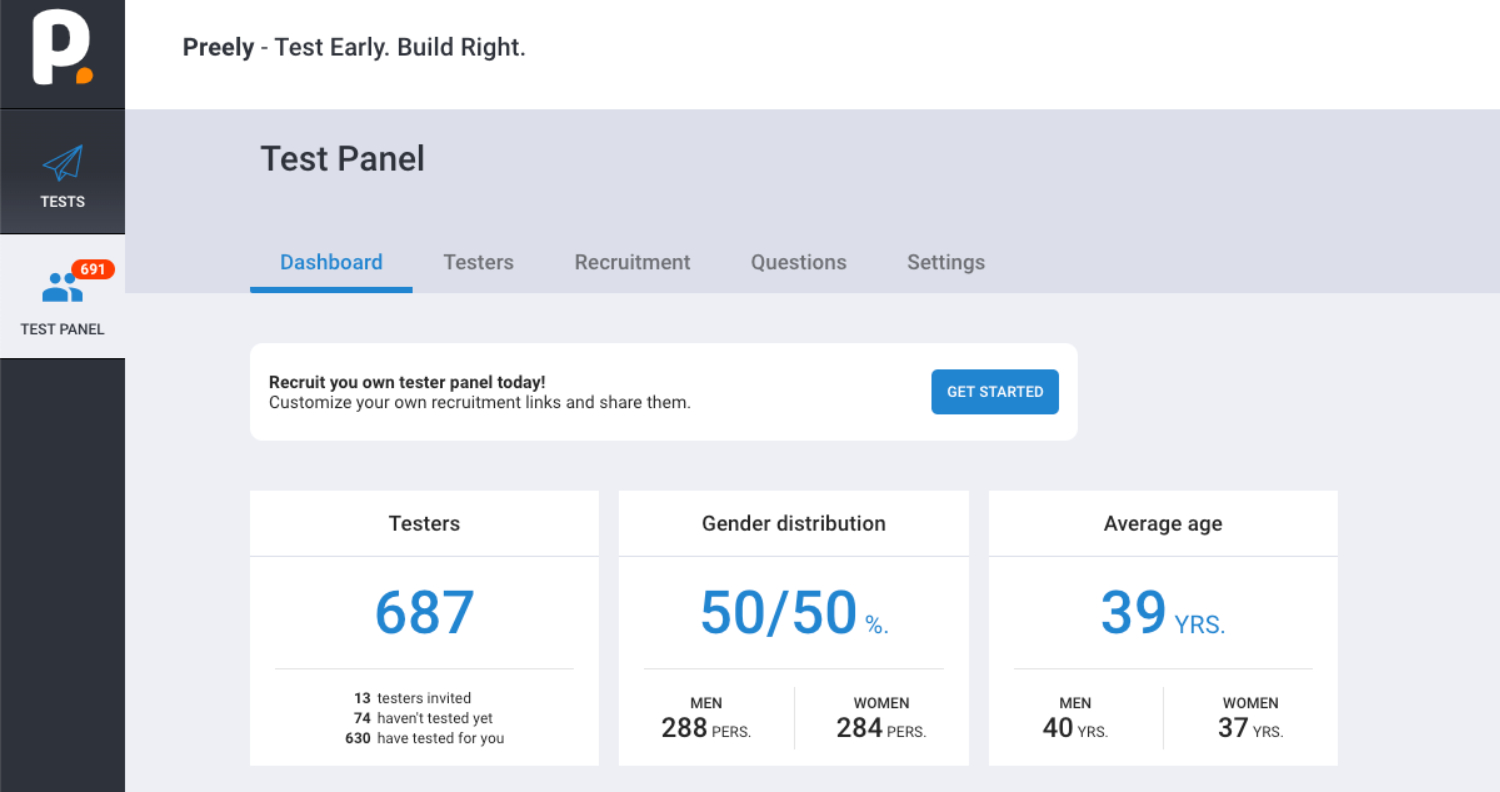
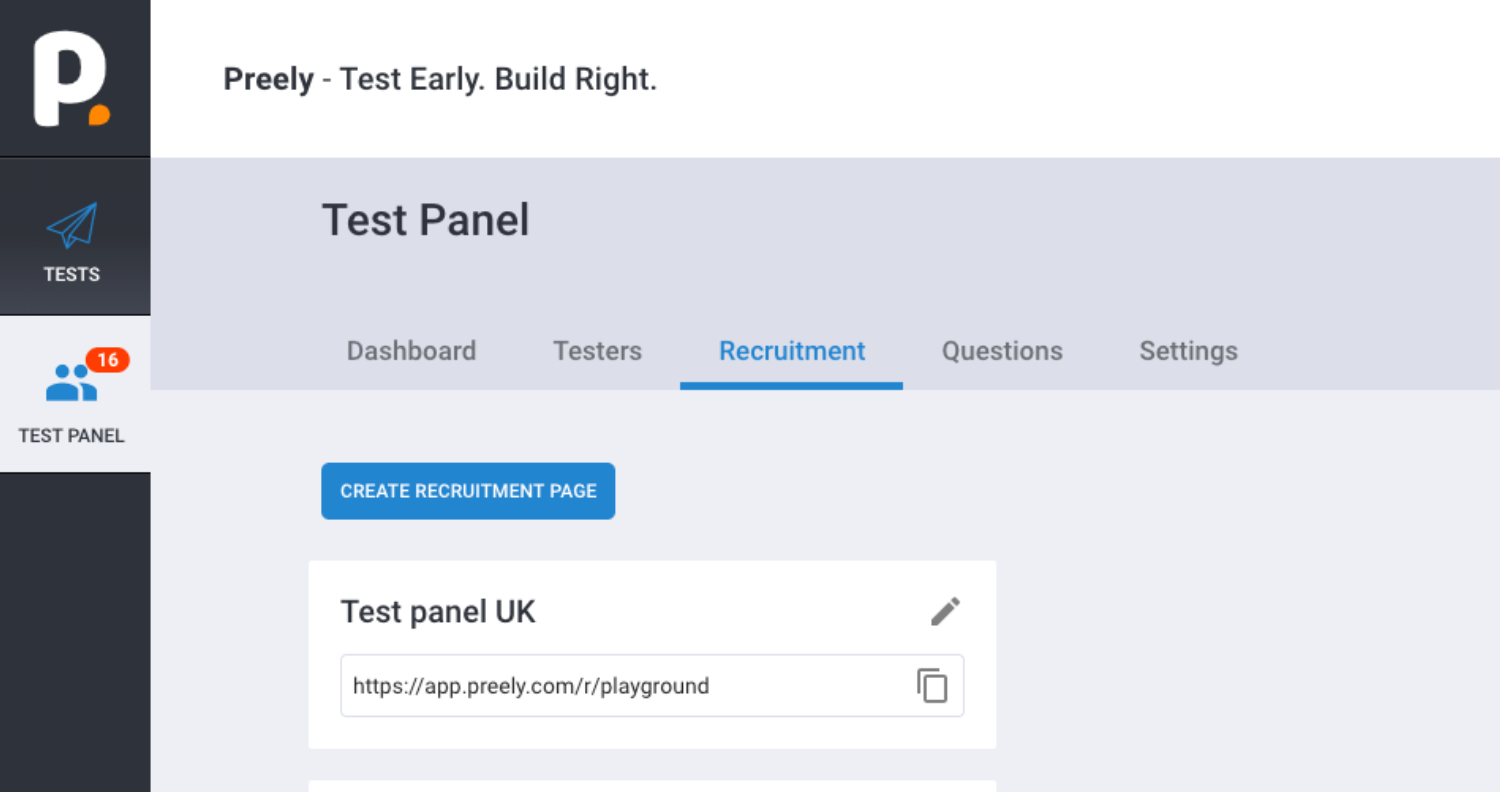
Recruitment page
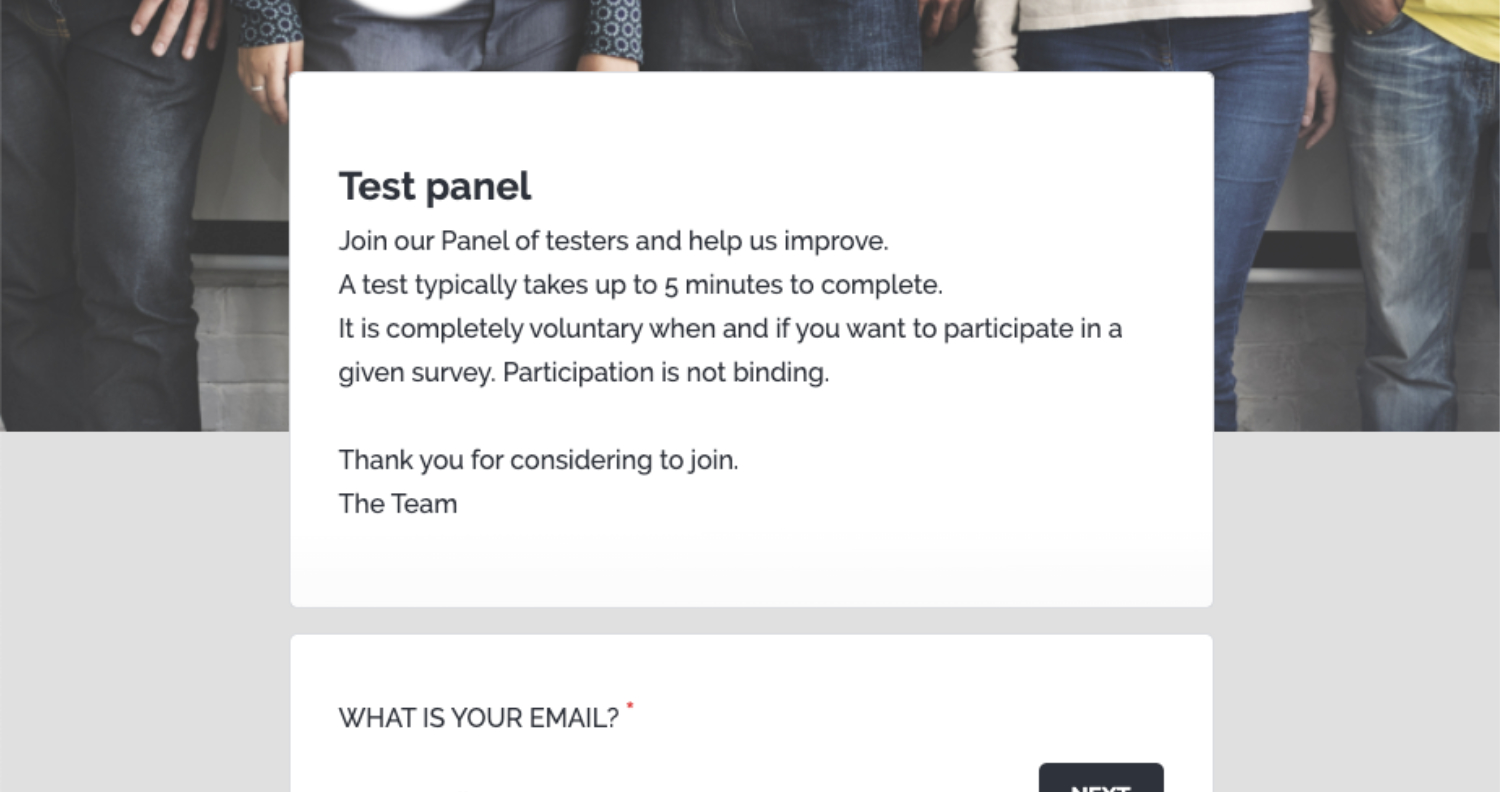
Build your own landing page for recruitment. You can create as many pages as you want to.
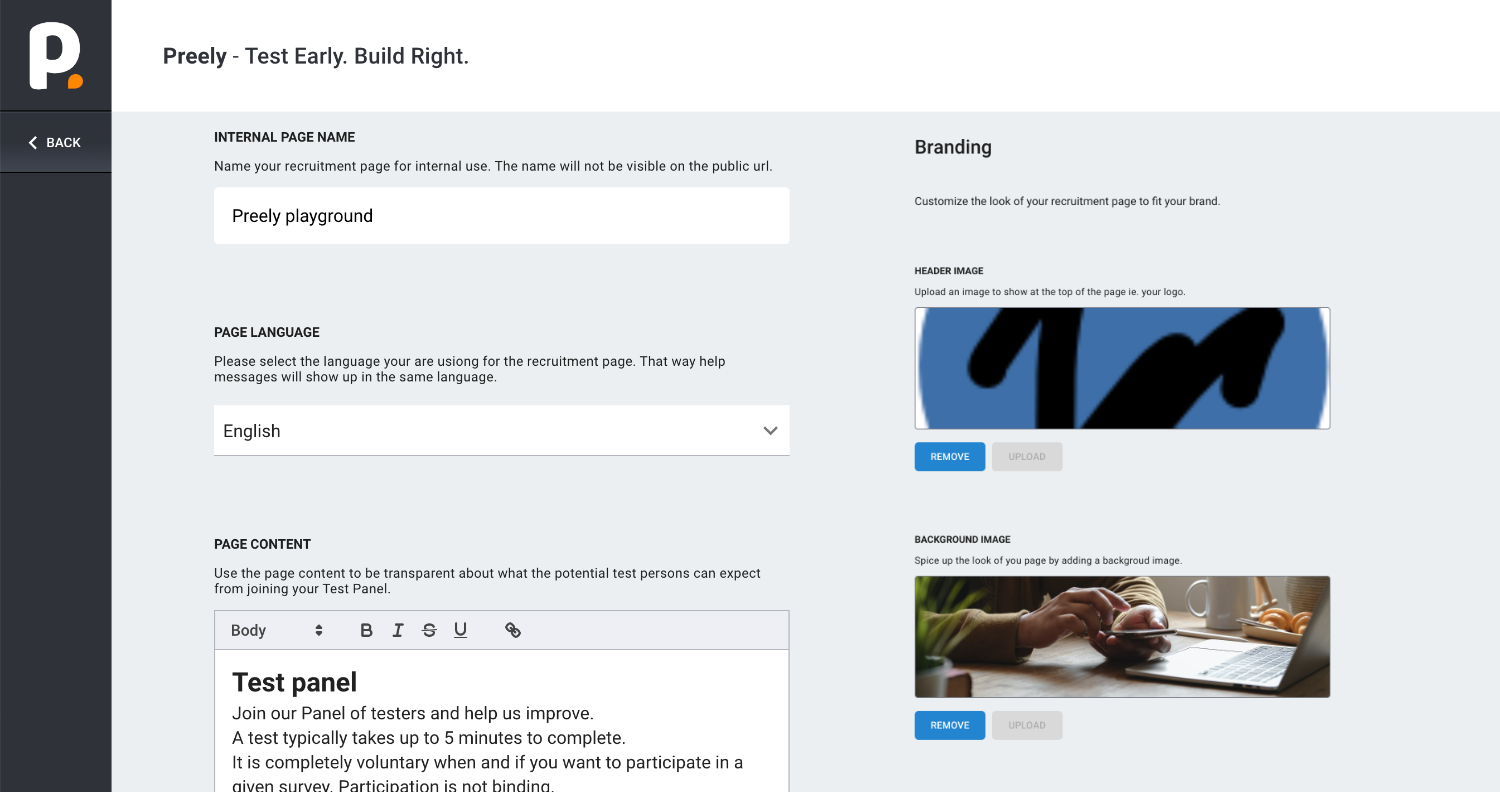
You can customize your link, text, recruitment page images, and add your logo.
When users click your link they will be directed to your personal tester recruitment page.
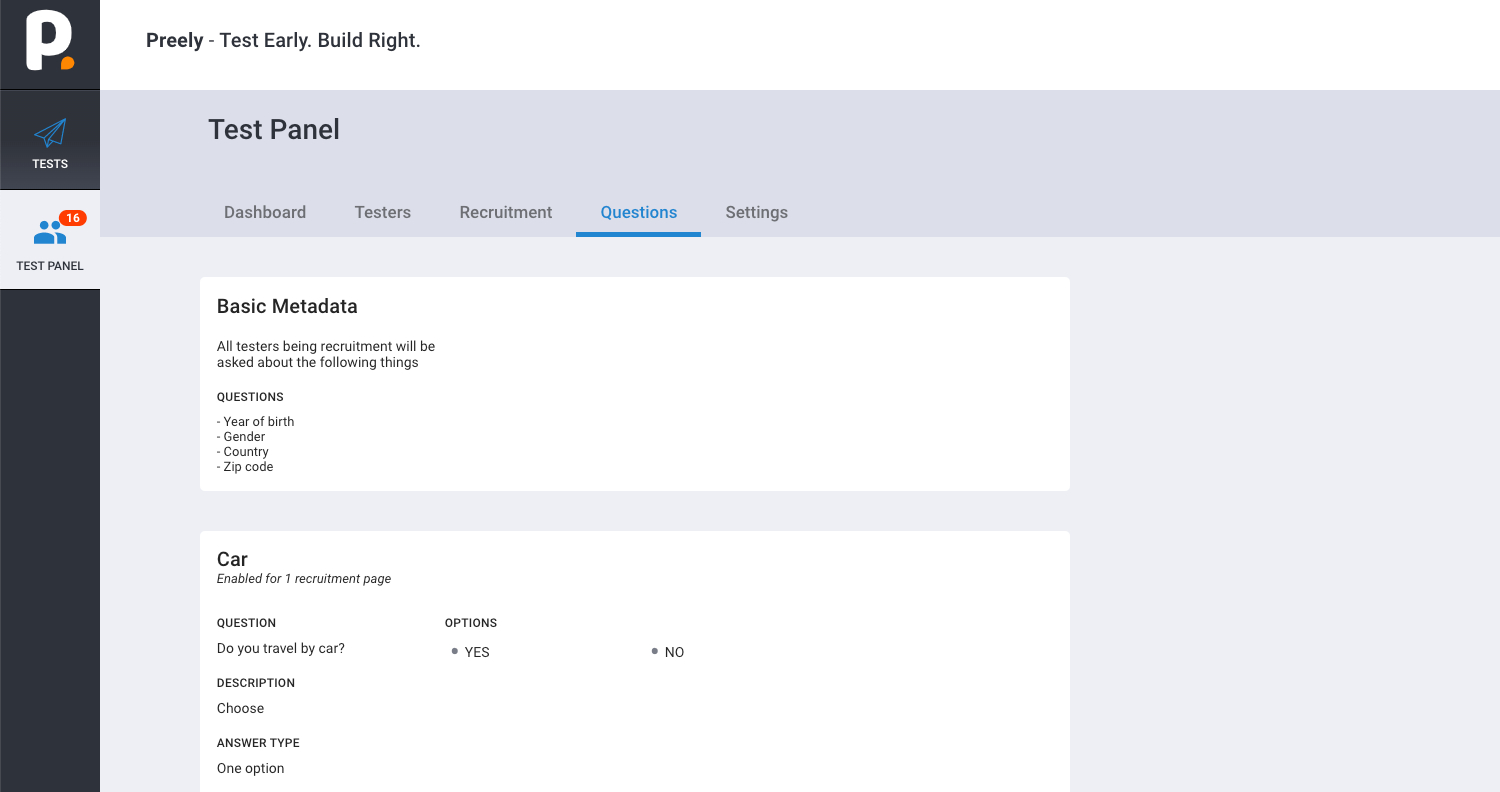
Customized segmentation questions
You can create segmentation questions for the testers to answer when signing up for your panel.
Segmentation when sharing tests
Use segmentation in your test panel when sharing tests.