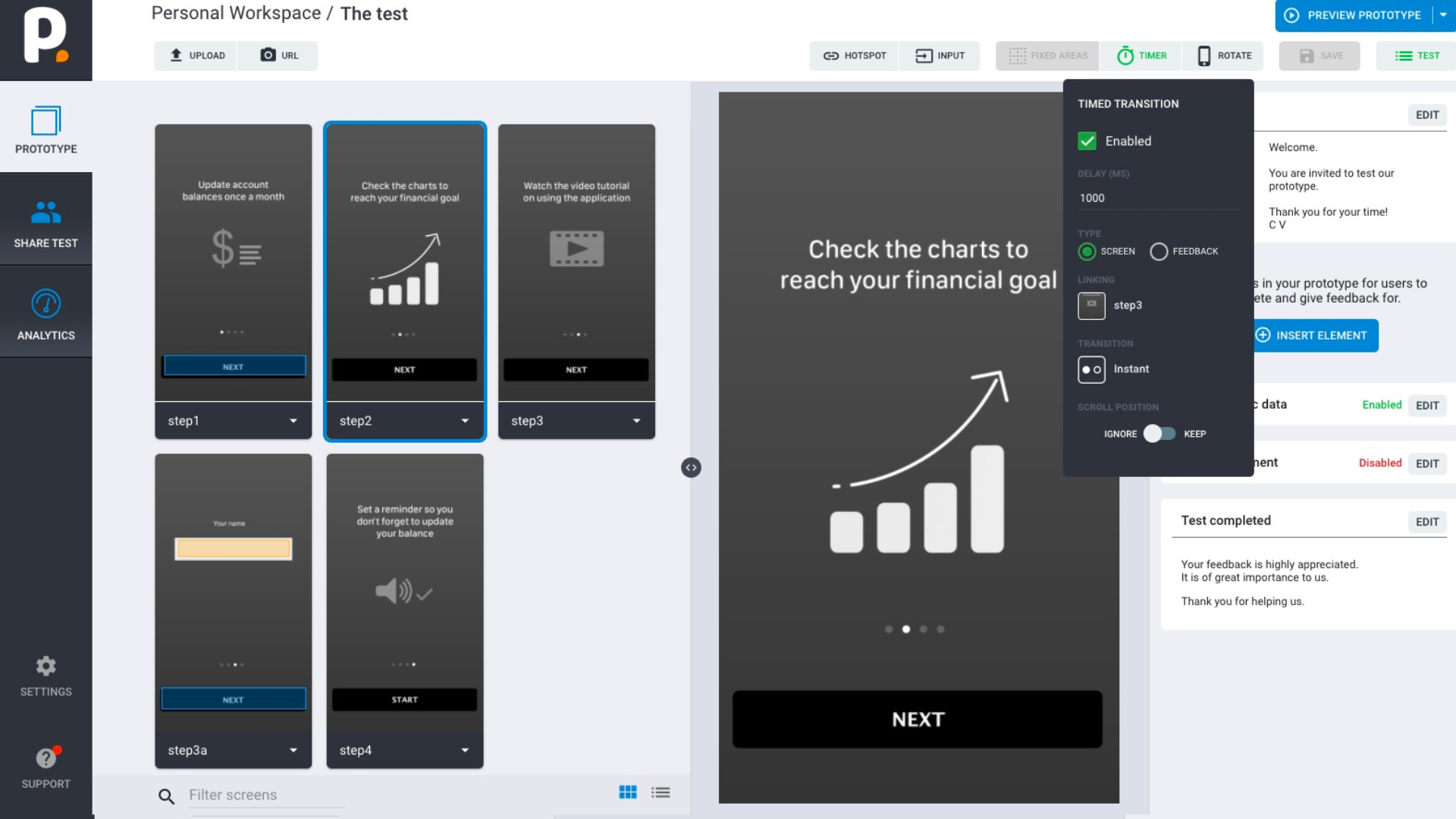
Timed transition automatically switch between images or enable feedback. The time is set in ms. Example: 2000 ms - switches to new image after 2 sec. Can be used when the prototype is built or when a task is created.
Watch Video...
Watch this short video for a quick introduction to build your prototype in 2 minutes.
Set Timer
Activate Timed. Set time. Switch between images and feedback.