Preely has solved it! Every designer has experienced it, the endless screen combinations needed to simulate user input. In Preely, you can work with input fields. Use input fields to simulate the right user experience.
Watch Video...
Watch this short video for a quick introduction to build input fields.
What does input fields do?
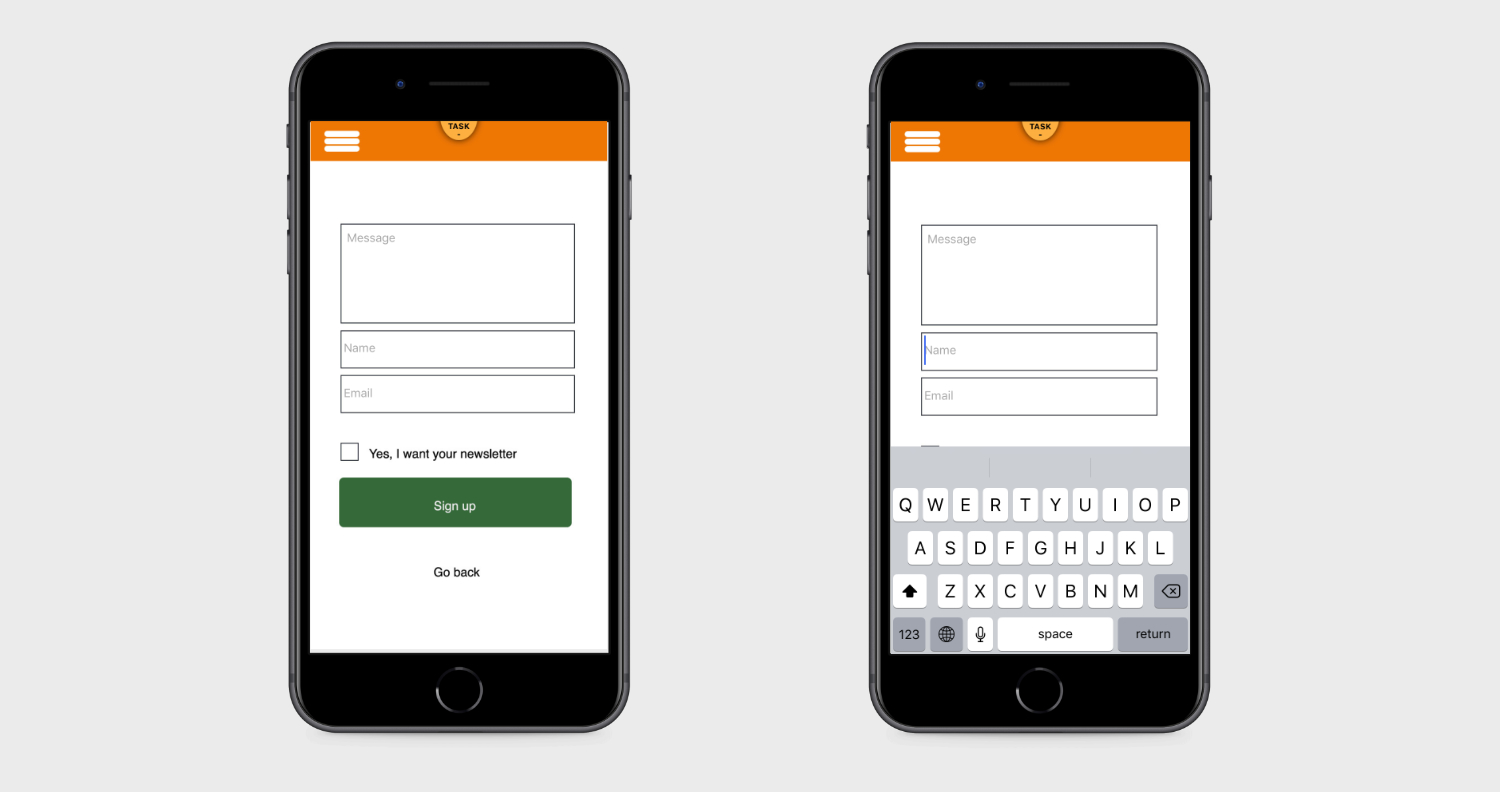
Clicking on an input field opens the keyboard on the user's smartphone.
What type of input?
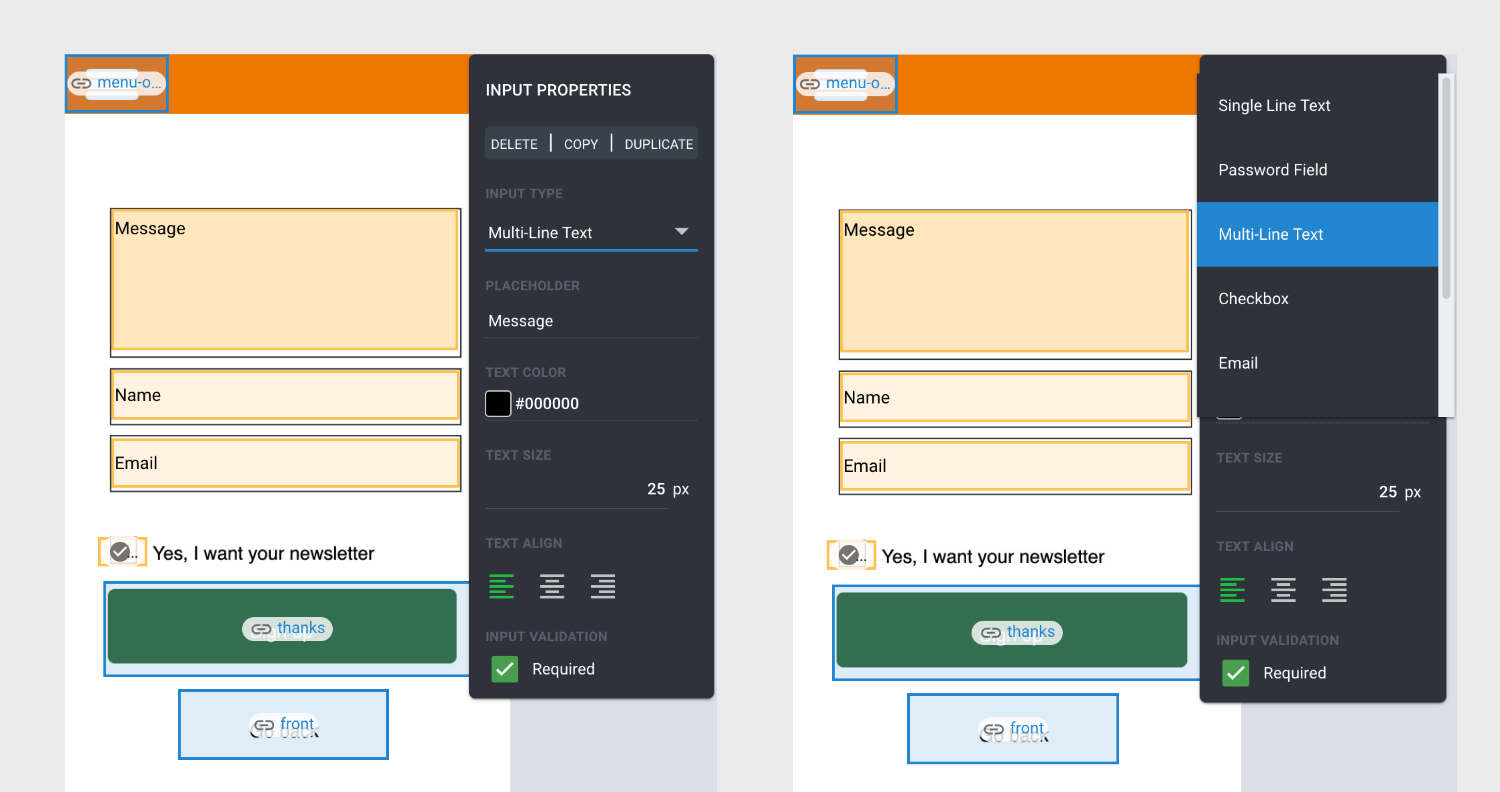
In the user input fields, you can choose the type of input, you wish the user to type in the field, e.g.
- Password
- Checkbox
- Number
- Multi line
- Single line
Clicking on an input field opens the right keyboard on the user's smartphone.
Show data in analytics
In analytics we show the number of characters and digits as well as the use of @. If validation of the input fields is enabled, we show the number of times a tester has clicked away from the page without specifying data in a specific input field.
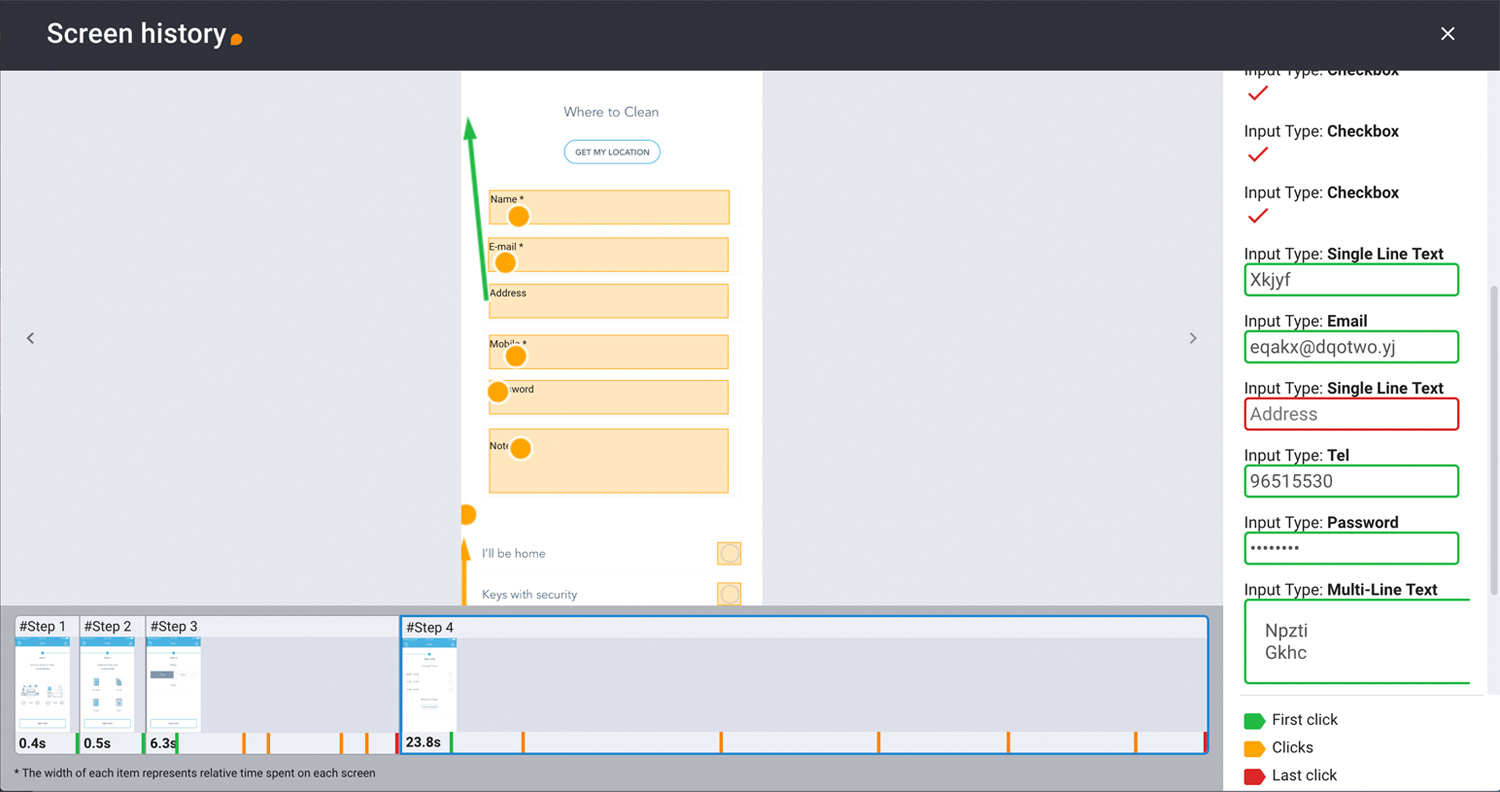
Green field indicates that the tester has entered data.
Red field indicates no input.
In this example, the number 1 is indicated.
Data protection
To ensure the protection of the testers data we do not collect this type of data.